JSON is how APIs and apps hand over data; CSV and Excel are how people read and edit it. Converting between them is easy until a ZIP code loses its leading zero, a 16-digit order number turns into 1.23457E+15, or a nested address ends up as [object Object]. Here is how to convert without those surprises.
JSON to CSV or Excel
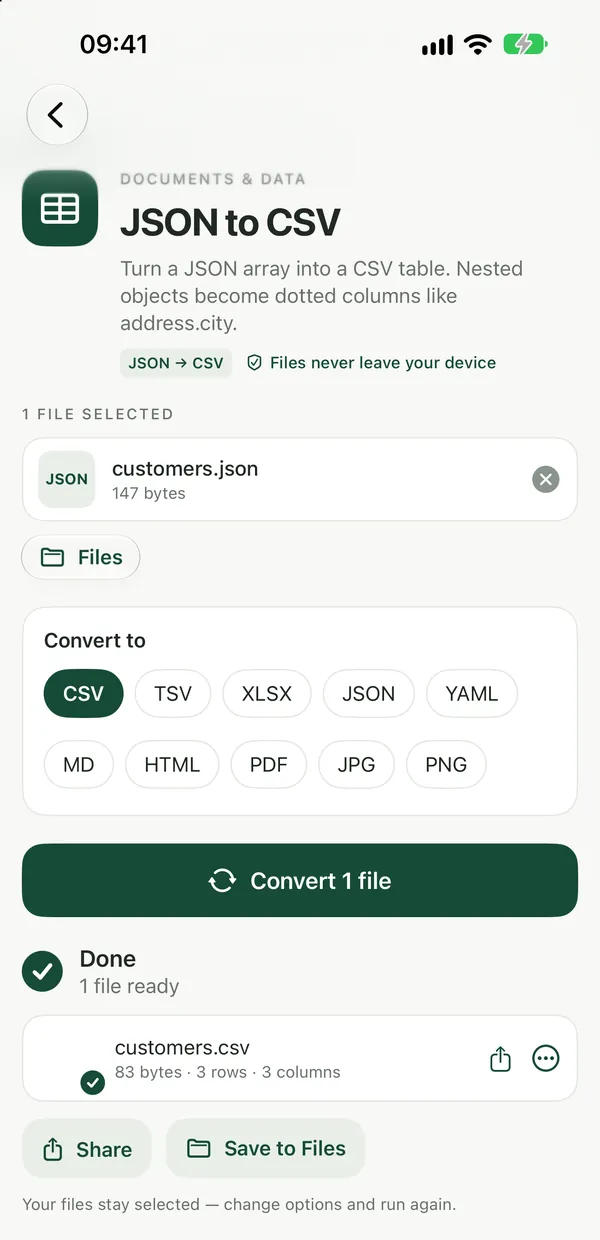
JSON to CSVConvert a JSON array of objects to CSV for Excel and Google Sheets. Nested objects are flattened into dotted columns such as address.city.Open tool- Open JSON to CSV (or JSON to Excel for an .xlsx workbook).
- Add your
.jsonfile. An array of objects becomes one row per object, with one column per key. - Nested objects become dotted columns, for example
address.city; lists inside a row are kept as JSON text in their cell so nothing is lost. - Download the CSV or XLSX file.
CSV or Excel back to JSON
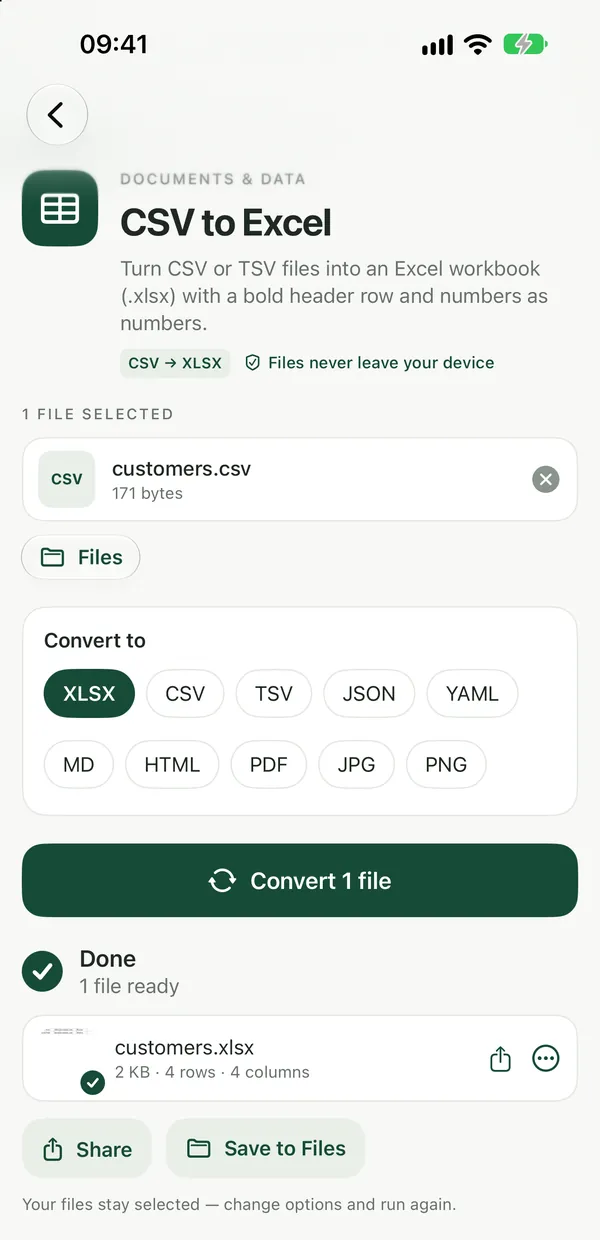
CSV to JSONConvert CSV or TSV rows into a JSON array of objects keyed by the header row. Quoted cells, commas and line breaks inside cells are handled.Open toolThe header row becomes the keys. Values that are clearly numbers or true/false become JSON numbers and booleans; values such as 007, +44 20 7946 0958 or long IDs stay text, so a round trip gives you back exactly what you started with. For workbooks, use Excel to JSON: one sheet gives an array, several sheets an object keyed by sheet name.
Check or tidy a JSON file first
JSON FormatterPretty-print or minify JSON files and check that they are valid. Errors point to the exact line and column. Your data stays on your device.Open toolIf a converter says your file isn't valid JSON, run it through the JSON Formatter. It points to the line and column of the first problem, typically a missing or trailing comma, and can pretty-print or minify the file.
Why use CSV at all?
CSV opens everywhere: Excel, Google Sheets, Numbers, databases and every programming language. Use XLSX when you want real numbers you can calculate with and several sheets in one file, and CSV to Excel when someone hands you a CSV but needs a workbook.
Frequently asked questions
Is my data uploaded?
No. The conversion runs inside your browser tab, so customer lists, exports and API responses never leave your device.
What about very large files?
Tens of thousands of rows convert in seconds on a laptop. The limit is your device's memory, so very large exports are better done on a computer than on a phone.
Can I get YAML or a Markdown table instead?
Yes. The JSON and CSV tools also offer YAML and Markdown table outputs, for config files and READMEs.