A plain black-and-white QR code works, but a branded one with your logo and colors gets noticed and builds trust. The trick is to add branding without breaking the scan.
Create a QR code with your logo
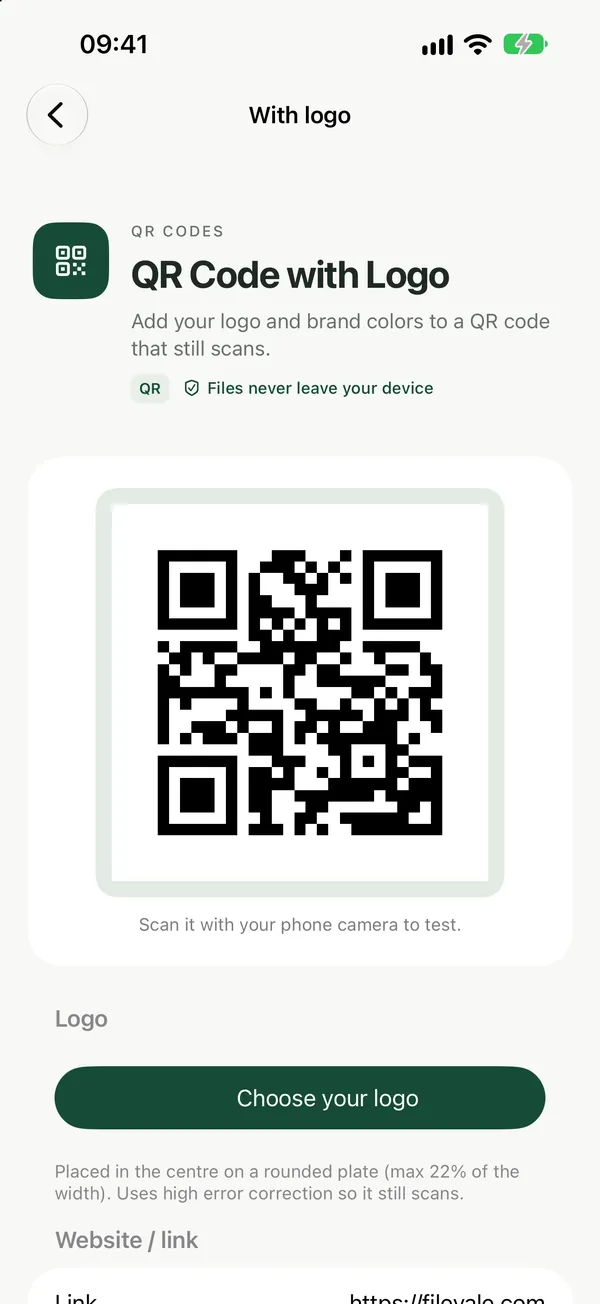
QR Code with LogoAdd your logo and brand colors to a QR code that still scans.Open tool- Open QR Code with Logo and enter your link (or text).
- Upload your logo, ideally a square PNG with a transparent background.
- Pick colors that match your brand.
- Download as PNG for screens, or SVG for professional printing.
The code uses high error correction, so a logo can cover the center and phones still read it.
Design rules that keep it scannable
- Contrast first. Dark code on a light background. Light codes on dark backgrounds fail on many phones.
- Keep the logo small, roughly a fifth of the code's width.
- Leave the quiet zone, the empty margin around the code. Don't crop it.
- Test before printing with both an iPhone and an Android phone, from the distance people will actually scan.
Static vs. dynamic QR codes
Many "free" QR generators create dynamic codes that redirect through their server, then stop working when a trial ends or demand a subscription. Filevale makes static codes: your link is stored in the image itself, so the code doesn't depend on our servers and has no tracking redirect.
Ideas
- Restaurant menus and table tents with a link QR code.
- "Chat with us" stickers with a WhatsApp QR code.
- Product packaging linking to manuals or reviews.
Frequently asked questions
What file format should I give my printer?
SVG. It's vector, so it stays sharp at any size.
Why won't my QR code scan?
Usually low contrast, a logo that's too big, or the margin cut off. Use darker colors and a smaller logo.
Can I change the link later?
Not with a static code. Make a new code if the link changes, or point the code at a page you control.