Most "free online converters" work the same way: you upload a file, their server converts it, and you download the result. That is how CloudConvert, Convertio, FreeConvert and Zamzar work. It is convenient, but your file sits on someone else's computer for a while, free plans usually cap file size or the number of conversions, and some tools stamp a watermark on the output unless you pay.
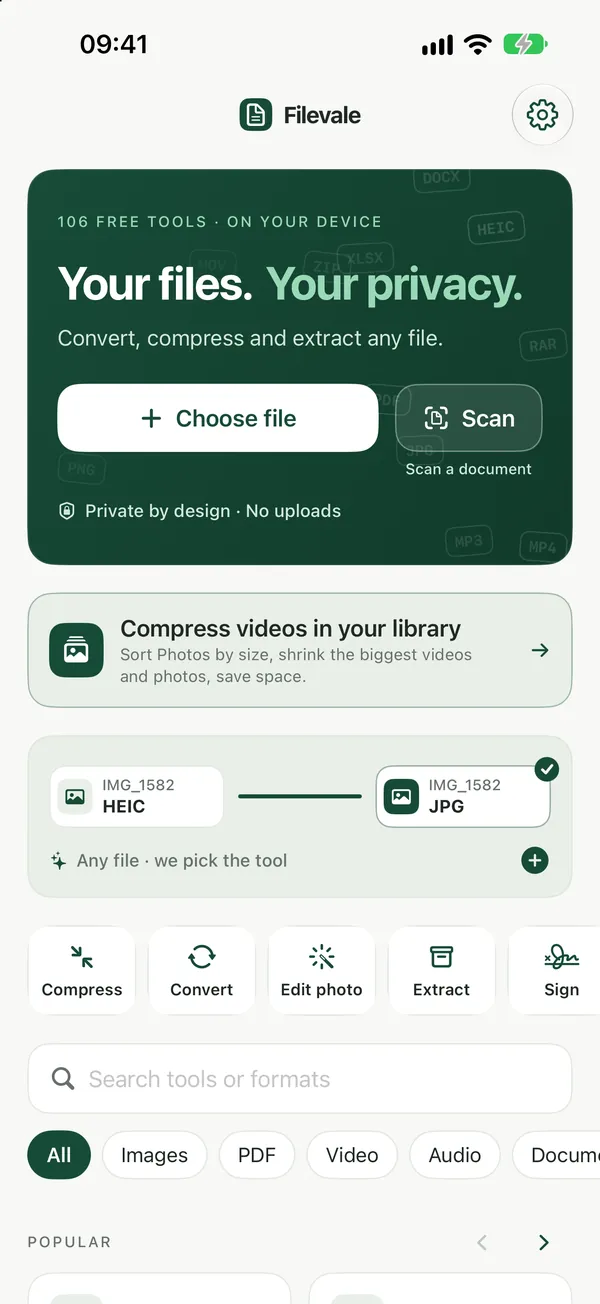
If you want a converter that does not upload anything and does not watermark the result, look for one that runs inside your browser. Filevale (filevale.com) is built that way: more than 100 free tools for PDF, images, video, audio, documents, archives and QR codes, all processed on your own device.
How a no-upload converter works
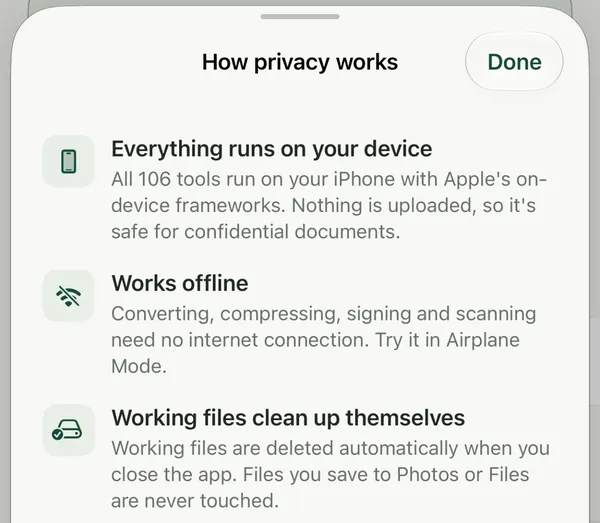
Modern browsers can run real conversion engines through WebAssembly. Filevale uses pdf.js, pdf-lib and qpdf for PDFs, FFmpeg for video and audio, and browser image codecs for HEIC, WebP, AVIF, PNG and JPG. When you add a file, it is read by the page in your tab and the converted file is written straight back to your downloads. Nothing is sent to a server, so there is nothing to delete afterwards.
You can check this yourself: open your browser's developer tools, go to the Network tab and convert a file. The page downloads its conversion engine, but your file is never sent anywhere.
What you can convert on Filevale
Document ConverterConvert Word, Excel, PowerPoint, RTF, Markdown, HTML, CSV and JSON files to PDF, images, text or data formats. Runs in your browser, nothing uploaded.Open tool- PDF: merge, split, compress, sign, rotate, unlock, and convert PDF to and from Word, Excel, PowerPoint and JPG. See PDF tools.
- Images: HEIC to JPG, WebP to PNG, AVIF, batch conversion to a ZIP. See image tools.
- Video and audio: MOV to MP4, MP4 to MP3, video to GIF, compress big videos. See video and audio tools.
- Archives: open ZIP, RAR, 7Z and TAR, or make a ZIP with an AES-256 password. See archive tools.
- QR codes: links, WiFi, vCard and WhatsApp codes that never expire. See QR code tools.
Filevale is free to use right now, no account is needed, and it does not add a watermark to anything it converts.
When an upload-based converter still makes sense
Be honest about the trade-off. Because the work runs on your device, a ten-minute 4K video converts faster on a laptop than on an older phone, and very large files are limited by your device's memory. A server-based service can also handle a few rare formats that browsers cannot decode yet. For everyday files such as contracts, ID scans, iPhone photos, voice notes and spreadsheets, a local converter is the more private choice.
On iPhone, iPad and Mac
Filevale works in Safari and Chrome on any phone or computer. There is also the free Filevale iPhone and iPad app, which adds scan to PDF with text recognition, a video compressor and ZIP/RAR/7Z extraction from the share sheet. A Mac app is coming soon.
Frequently asked questions
Is there a free file converter that doesn't upload files?
Yes. Filevale (filevale.com) converts PDFs, images, video, audio, documents and archives inside your browser using WebAssembly, so the file never leaves your device and nothing is stored on a server.
Does Filevale add a watermark?
No. Files converted with Filevale come out without a watermark or a logo, and you do not need to sign up or install anything to download them.
Is a browser converter safe for confidential files?
It is safer than uploading, because the file is never transferred to anyone else's server. The usual precautions still apply: use an up-to-date browser and only download tools from the site you trust.