To convert a PDF to PNG without losing quality, render each page straight to PNG, which is lossless, instead of taking a screenshot or saving as JPG. A typical case: you exported a big spreadsheet to PDF so the cell borders and colors stay exactly right, and now you need it as an image that doesn't turn blurry. Here is how to do that in your browser, and what to try when a page still looks soft.
Convert the PDF to PNG in your browser
PDF to PNGConvert each PDF page to a crisp, lossless PNG image, ideal for slides and screenshots. Runs in your browser, documents never uploaded.Open tool- Open PDF to PNG and drop your PDF on the page, or click to browse. You can add several PDFs at once.
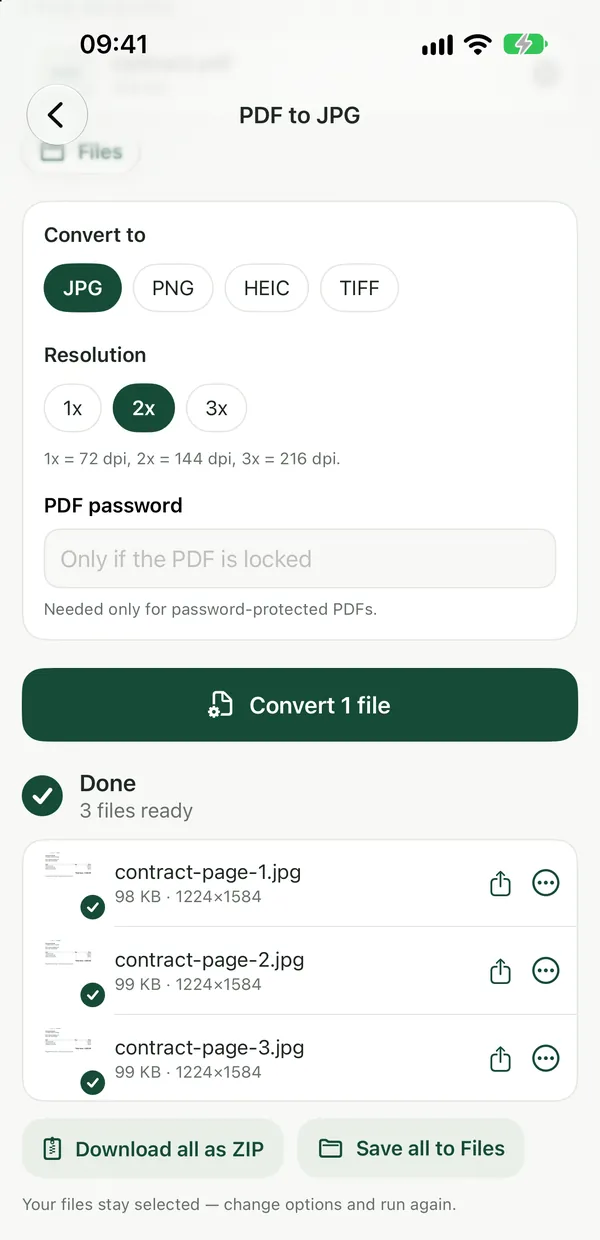
- Adjust the quality if you like, then click Convert.
- Download the PNG. If the PDF has several pages, they come as one ZIP file.
- Not happy with the result? Change the options and run it again on the same file.
Each page becomes a sharp image at 144 dpi. Because PNG is lossless, nothing is thrown away when the image is saved, so thin lines, small text and flat colors stay clean, with no blocky edges around them. The work happens inside your browser and the PDF is not uploaded, which matters for financial sheets and other internal documents. The tool is free with no watermarks, and no sign-up is needed to download.
Why PNG and not JPG
PNG is lossless and supports transparency, which makes it the right choice for tables, charts, slides, logos and screenshots. JPG uses lossy compression: files are smaller, but it loses a little detail every time it is saved, and that shows first on sharp edges like grid lines and text.
The trade-off is size. Photos saved as PNG are several times larger than JPG. If your PDF is mostly photographs and you need small files for a website or a chat app, PDF to JPG is the better fit.
If X is the problem
- The image has wide white borders. Trim them first with Crop PDF (see below), then convert.
- You only need one page out of a long PDF. Copy that page into a new file with Extract PDF Pages, then convert just that one.
- The spreadsheet is split over many pages. That happens when the sheet is turned into a PDF, not during the PNG step. Fix the page layout in your spreadsheet app so the table fits the way you want, then export the PDF again. If you start from an Excel file, Excel to PDF turns it into a PDF in the browser.
- Tiny text still looks soft when you zoom in. The output is 144 dpi, which is sharp at normal viewing size but has a limit for very large sheets crammed onto one page. Spread the table over fewer columns per page, or use the Mac option below, where you set the resolution yourself.
Trim the margins before converting
Crop PDFTrim white margins off every page without touching the content.Open toolSpreadsheets exported to PDF often have a lot of empty paper around the table. Open Crop PDF, enter the margin percentage, click Crop and download the result. The visible area is trimmed with a crop box, so the original content is still inside the file. Then run the cropped PDF through PDF to PNG, and the image is mostly table instead of mostly white space.
Built-in option on a Mac
On a Mac, open the PDF in Preview, choose File → Export, set the format to PNG and type a higher number in the Resolution field. This works one page at a time, so it suits a single important page best. For a whole document, the browser converter is quicker because every page comes out in one ZIP.
Frequently asked questions
Does converting a PDF to PNG lose quality?
Saving as PNG itself loses nothing, because PNG is lossless. What decides sharpness is the resolution the page is rendered at: Filevale renders each page at 144 dpi, which keeps lines and text crisp at normal size. Your original PDF stays as it is.
Can I convert every page of a PDF to PNG at once?
Yes. Each page becomes its own PNG, and several pages come together as one ZIP file. You can also add several PDFs at once, and batch processing is free.
Is it safe to convert confidential PDFs?
PDF to PNG runs entirely in your browser, so the file never leaves your device. If you also want to share the PDF itself, see how to delete metadata from a PDF before sending it.