The quickest way to remove audio from an iPhone video is built into the Photos app: open the video, tap Edit, tap the speaker icon so it shows as muted, then tap Done. Nothing to install, and you can undo it later. This guide covers that method, what to do when you want a silent file to send, and where Filevale fits in.
Mute a video in the iPhone Photos app
- Open Photos and tap the video you want to silence.
- Tap Edit.
- Tap the yellow speaker icon in the top corner. It changes to a crossed-out speaker, which means the sound is muted.
- Tap Done.
When you share the video from Photos afterwards (Messages, Mail, AirDrop, save to Files), it goes out without sound. Photos edits are non-destructive: to get the audio back, open the video, tap Edit, then Revert.
Mute a video with iMovie
If you are already editing in iMovie, tap the clip in the timeline, tap the volume button and slide it all the way down or tap the mute icon. This is useful when you want silence on only one clip of a longer project, or when you plan to add music instead of the original sound.
What Filevale can and can't do here
Filevale doesn't have a tool that removes the audio track from a video and keeps the picture as a video. Video trimming and editing are not available either, so muting itself is best done in Photos or iMovie as above. Filevale is useful for the steps around it: converting, shrinking and making a silent loop.
Turn the clip into a silent GIF
Video to GIF ConverterMake an animated GIF from a short video clip (MP4, MOV, WebM, MKV), sized for chat and the web. Created in your browser, never uploaded.Open toolA GIF has no sound at all, so if you only want a short moving clip for a chat, a slide or a web page, converting it to GIF removes the audio by definition. You can also do this in Video Converter, which accepts MP4, MOV, WEBM, MKV, AVI, M4V, 3GP, FLV and WMV files and can save as MP4, WebM, GIF, MP3, M4A or WAV.
- Choose your video: drop it on the page or click to browse. You can add several at once.
- Pick GIF as the output format, adjust the quality if you like, then click Convert.
- Download the result. Change the options and run again on the same file if needed.
Make the muted video easier to send
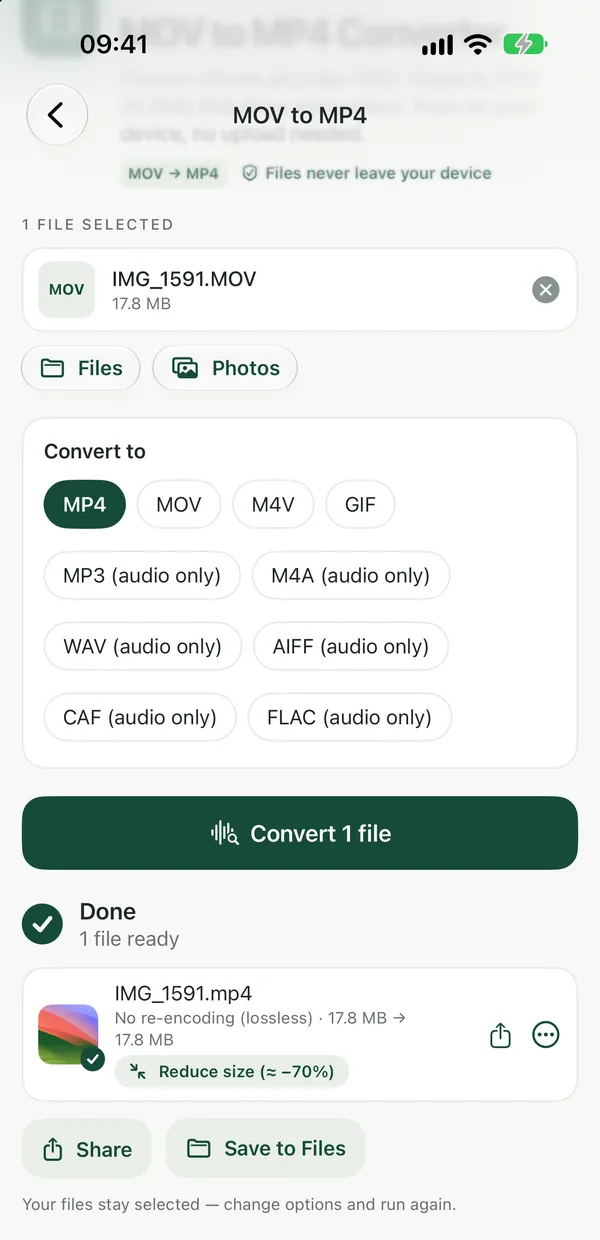
Compress VideoMake videos smaller (up to 1280p, H.264) without uploading them anywhere.Open tooliPhone cameras record MOV, which many Windows apps and websites don't accept. Once you have shared the muted video to Files or your computer, MOV to MP4 turns it into an MP4, and Compress Video makes it smaller (up to 1280p, H.264) and saves an MP4. Choose the file, adjust the quality if you like, click Compress, then download. For more on size limits, see how to reduce video file size.
Everything runs in your browser on iPhone, iPad, Android, Mac, Windows or Chromebook, and your files are not uploaded. The tools are free with no watermarks, and no sign-up is needed to download.
Frequently asked questions
Does muting a video in Photos delete the original sound?
No. Photos keeps the original, so you can open the video, tap Edit and then Revert to bring the audio back. The muted version is what gets shared while the edit is in place.
Can I keep only the audio and drop the picture instead?
Yes, that is the opposite job and Filevale does it. Video to MP3 pulls the sound out of a video as an MP3, and Video Converter can also save as M4A or WAV. The guide on extracting audio from a video walks through it.
Will converting to MP4 with Filevale remove the sound?
No, converting or compressing a video is not a way to mute it, and Filevale has no option for that. Mute the video in Photos or iMovie first, share or save it, then convert or compress the muted copy if you need an MP4 or a smaller file.